November 4th, 2025

Release roundup - Leads notification management and profile assignments
Control your lead notifications
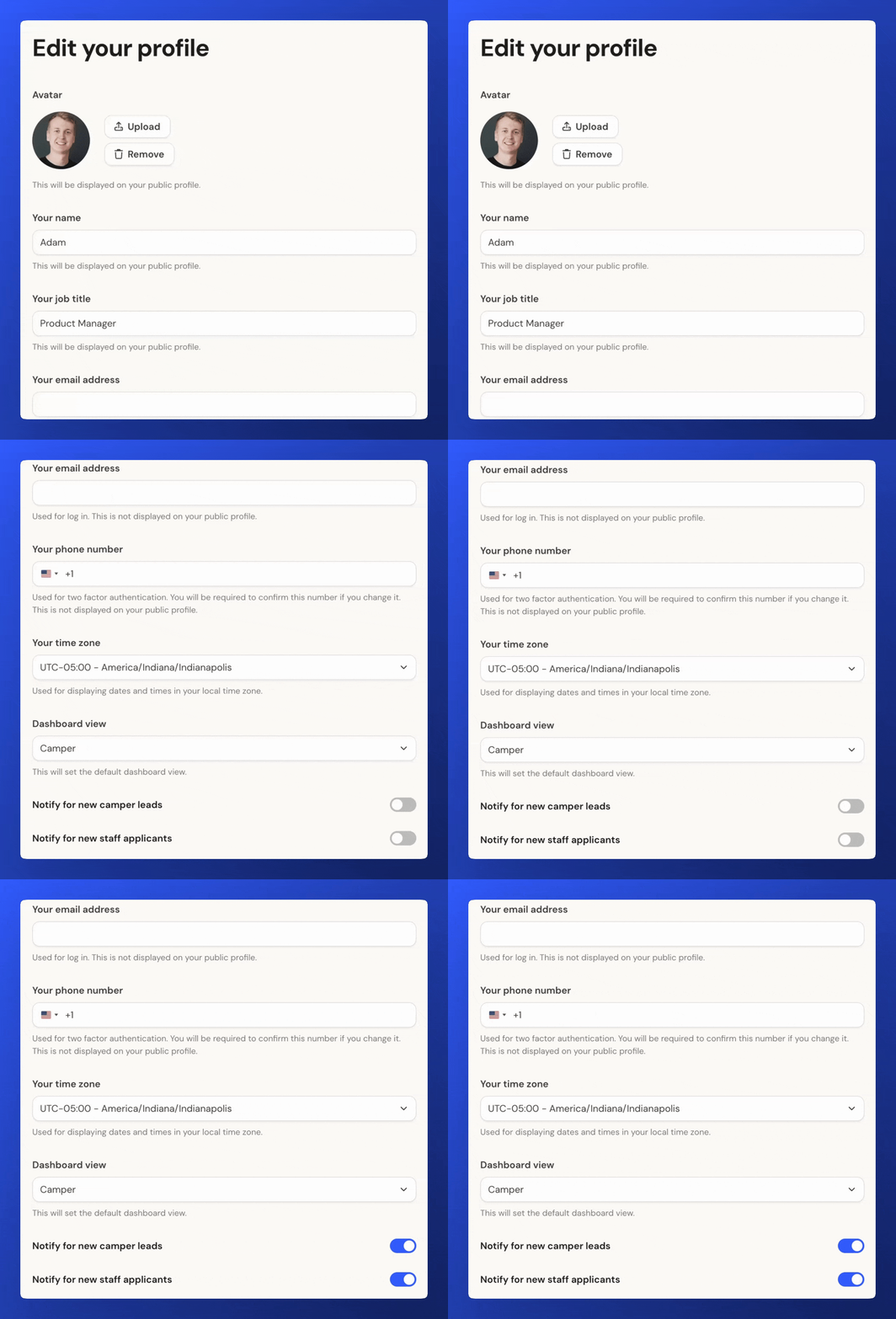
You can now manage your email notifications for new camper and staff leads right from your profile settings.
To adjust them, click the three dots next to your name in the lower-left corner, choose Profile, and scroll to the bottom of the page.
Make your forms only visible internally
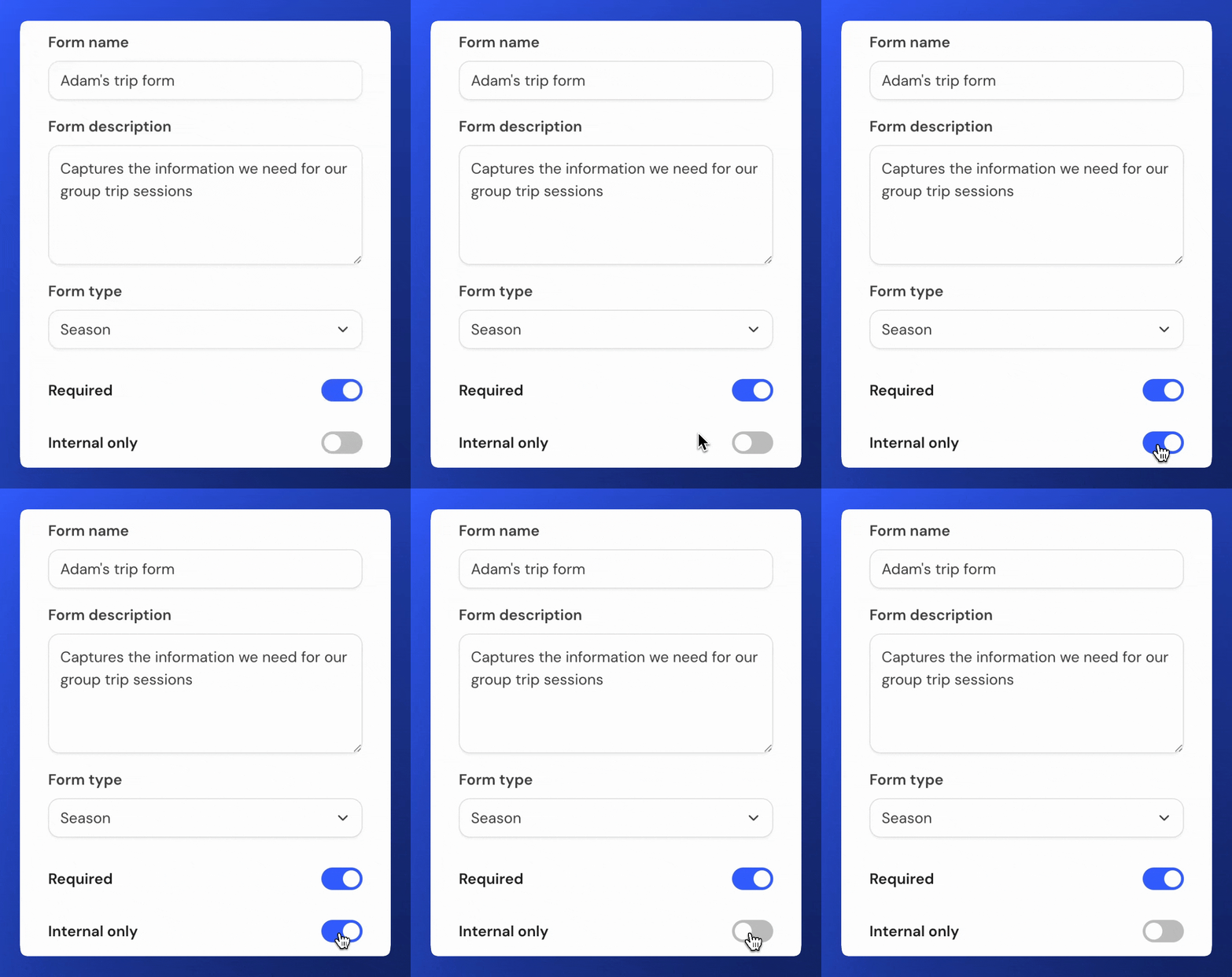
You can now set whether you want your created camper & staff forms to be visible externally to parents & staff users in their application area. This can be set for each individual form and can be updated at any time.
To set a form as internal only, the option toggle appears on form settings panel whilst editing a form. You’ll find it below the required toggle option.
Profile assignments
You can now assign profiles in specific admin users, making it easier for you to manage your group of campers, families and staff. You’ll see the ‘Assigned to’ label on the overview tab of profiles and will be able to choose an admin user to link to that profile or keep it unassigned.
These assignments will be filterable in the relevant camper or staff tables.